
A customer hears your name at a ballgame on Saturday.
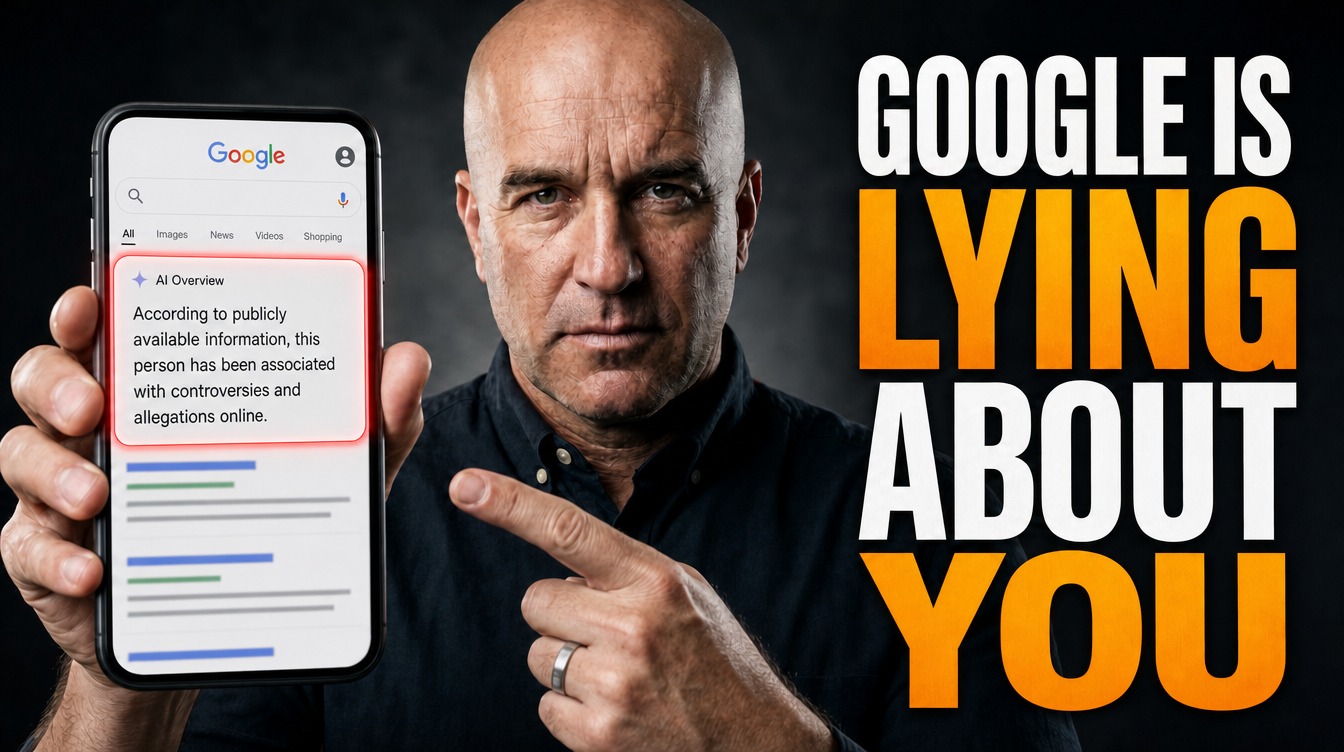
Sunday night, on the couch, she types it into Google. Before your website, before your reviews, before your phone number, a gray box shows up at the top and tells her who you are.
You did not write that box. You have probably never read it.
That box is Google's AI Overview, and it now answers most searches for a business name. When you Google your business name in 2026, you are not getting a list of links anymore. You are getting a summary written by a machine, stitched together from pages you mostly do not own.
So this week, you read it. Then you fix what it reads.
This Is Not a Ranking Problem. It Is a Narrator Problem.
Here is what is actually going on.
For twenty years, searching your own name was a vanity move. You came up first and closed the tab.
That changed this fall. Ahrefs looked at 232.8 million U.S. desktop search results and found that as of September 29, 2026, AI Overviews showed up on 82.91% of searches containing a brand name. In a separate weekly check of 100 exact brand names, AI Overviews went from 5 of 98 searches on July 1 to 63 of 100 by September 30. In 48 of those 63, the Overview sat in the very first position, above the brand's own website.
Then a research team at SlateHQ ran 144 searches on 100 brand names and opened every source Google cited. 71% of the 652 sources were pages the brand did not own. YouTube and Wikipedia each showed up in 53% of the Overviews.
Your name has a narrator now. The narrator reads other people's pages first.
Google Your Own Name Tonight
This takes ten minutes. Do it from your phone, because that is where your customers do it.
Open an incognito tab so your own history does not shape the results. Run these five searches:
- Your business name, exactly as it appears on your sign
- Your business name plus your town
- Your business name plus "reviews"
- "Is [your business name] legit"
- Your business name plus "prices" or "cost"
Screenshot every result, top to bottom. Write the date on each one.
For each search, answer three questions in a notebook:
1. Did an AI Overview show up?
2. Is everything in it true? Hours, phone, address, services, open or closed.
3. What does it say about you that you would never say about yourself?
That third question stings. Maybe it calls you a "small family operation" when you run 14 trucks. Maybe it says nothing at all and fills the space with a competitor.
Then ask ChatGPT the same five. Same notebook.
Write Down Every Source That Is Not You
Now find out where the narrator got its lines.
Tap every source link under the AI Overview. Make two columns: pages you control and pages you do not.
Pages you control: your website, your Google Business Profile, your Facebook Page, your YouTube channel.
Pages you do not: Yelp, Angi, the Chamber directory, a 2019 news story, a Reddit thread, a supplier's "find a dealer" page with your old phone number.
Every page in the "do not" column is either helping you or quietly lying about you. Mark each one:
- Correct. Leave it alone.
- Outdated. Old phone, old address, services you dropped. Claim the listing and fix it, or email the site owner with the correct facts.
- Wrong business. Another company with a similar name got blended into yours. This one is urgent, and we will get to it.
If you find even one stale listing, that is the cheapest fix you will make all year.
Answer Google's Email in Four Days
This one is brand new.
Anyone can suggest an edit to your Google Business Profile. A customer, a competitor, a bored stranger. New hours, a new phone number, even a new business name.
In September 2026, Google's Business Profile help page added a clock. When Google sends you a suggested edit to review, you have four days to accept or reject it. If nobody answers, Google may publish the change anyway, as long as other public information backs it up.
Guess what Google checks first? Your website.
So if your website still lists old Saturday hours and a stranger suggests them, Google has its tiebreaker. The wrong edit goes live, and the AI Overview repeats it to everyone who searches your name.
Run this today:
1. Log in to the Google account that owns your Business Profile.
2. Check which email gets the notifications. If it is an old employee's inbox or an agency you fired, change it to one a human reads every day.
3. Turn on Business Profile notifications on your phone.
4. Open your website and your profile side by side. Hours, phone, address, services. Make them match, down to the suite number.
If your profile has been quiet for months, treat it like a landing page. The profile that feeds the map pack now feeds the AI box.
Make Your Website Say the Boring Facts Out Loud
AI engines grab plain sentences that answer plain questions. Most small business websites have "Quality you can trust" instead. Nothing a machine can quote.
Fix it with one page. Call it About, or Company Facts, or just put it on your homepage. Write these as full sentences, in normal text, not inside an image:
- Your legal business name and what you do, in one line. "[Business Name] is a residential and commercial roofing contractor in [Town], [State]."
- The year you started.
- The towns and counties you serve, by name.
- Your hours, matching your Google profile exactly.
- Your owner's name. A real name, a real photo.
- Licenses, certifications, and awards, spelled out.
- What you do not do. "We do not do gutter-only jobs." This stops the AI from guessing.
- Starting prices, if you can stand to publish them.
The "what you do not do" line matters. The machine fills empty space with assumptions. Give it none.
One warning. On October 1, 2026, Google's content guidance started calling fake author profiles, AI headshots, and made-up credentials deception. If your "meet the team" page has people who do not exist, take it down.
The technical half, the file and code that make a site machine readable, lives in This One File Is Killing Your AI Search. This is the plain English half.
Put One Real Video on YouTube With Your Name in the Title
Remember the SlateHQ number. YouTube showed up in 53% of the AI Overviews they captured.
Google owns YouTube. Google's AI reads YouTube. No video about you means that seat goes to somebody else. You do not need a production. You need one honest video.
Phone, horizontal, decent light, two to three minutes. You, the owner, on the job. Say your business name, your town, what you do, and how long you have done it. Show the real trucks and the real crew.
Then do the part everyone skips:
- Title: Your business name, then what you do, then your town. "[Business Name] | Roof Replacement in [Town], [State]."
- Description: The same boring facts from your website page, word for word, plus your website link and phone number.
- Captions: Turn on and correct the auto captions. The machine reads the words, not your face.
Real footage only. No AI avatar. Customers can smell a fake, and Google's own guidance is moving the same direction.
Kingdom Media has 11 national awards, 7 Telly and 4 Davey. In a trophy case, that fact does nothing. It only works written in plain text on our site and said out loud in our videos, where a machine can repeat it. Your licenses and years in business work the same way. If the narrator cannot read it, it does not exist.
If you want the real version shot for you, that is what we do at Kingdom Media. But the phone video beats no video every single time.
Reply to Reviews Like a Stranger Is Reading
Because one is.
Every reply you write on Google is public, permanent, and readable by the AI that writes your summary. Search Engine Land's October 2026 guide on owner replies notes that review-built brand narratives can surface in Google AI Mode and ChatGPT.
That late-night reply where you told a customer she was lying? The machine read it.
In BrightLocal's 2026 survey, 80% of people said they were likely to use a business that responds to all its reviews. That is stated intent, not purchases, but it points one way.
Run this:
- Reply to every new review within 48 hours. Every one, not just the bad ones.
- In good replies, name the actual service and the town. "Thanks for trusting us with your water heater swap in Lebanon." That sentence teaches the narrator what you do and where.
- In bad replies, three moves. Acknowledge it, own what is yours, give a phone number and a name to call. Never argue facts in public.
- Go back through the last 12 months. If any old reply makes you wince, edit it. Google lets you.
We wrote a whole playbook on keeping review pace from going stale. Pair it with this.
When the Box Is Wrong, Fix the Source First
Ferris Bueller had it right. Life moves pretty fast. If you do not stop and look around once in a while, Google might close your business for you.
Not a joke. In July 2026, CBC reported an Ontario bakery owner who learned from a customer's screenshot that Google's AI Overview said she was closing for good. It had confused her with a same-name bakery in Illinois. Customers called and walked in asking.
The same week, Spectrum News reported an Ohio bookshop owner whose AI summary listed her store as permanently closed, at the wrong address. She had watched sales drop and assumed she was doing something wrong.
Both found out from customers. That is the whole lesson.
Here is the order when the box gets something wrong:
1. Screenshot it with the date and time. AI answers change and leave no history. Your screenshots are your record.
2. Open every source link. One of them almost always carries the wrong fact. That is your target, not the AI.
3. Fix what you own first. Your Google Business Profile and your website. State the correct fact in plain text near the top of the page.
4. Chase the outside sources. Claim the listing, or email the site owner with the correction. Be polite and specific.
5. Hit the thumbs-down and report it. Use the feedback button on the Overview. It is a vote, not a support ticket, so do it but do not wait on it.
6. Search again in two weeks. Same five searches. Same notebook. Note what moved.
If a same-name business keeps bleeding into your results, pair your exact name with your town in your website title, profile, and video titles.
Then put it on the calendar. First Monday of every month, ten minutes, same five searches. You check your bank balance more than once a year. Your name deserves the same.
Frequently Asked Questions
How do I see what Google's AI says about my business?
Open a private or incognito browser tab on your phone and search your exact business name, then your name plus your town, plus "reviews," and plus "prices." If an AI Overview appears, it shows at the top with source links underneath. Kingdom Media Company recommends screenshotting each result with the date so you can track changes month to month.
Can I edit the AI Overview for my business name?
No. Google does not let business owners edit AI Overviews directly. You correct them by fixing the sources they pull from: your Google Business Profile, your website, and the outside pages the Overview links to. Then use the thumbs-down feedback button on the Overview and search again in two weeks.
Why does Google's AI say my business is closed when it's not?
Usually because a source it reads says so, or because it confused you with a business that has a similar name. Check your Google Business Profile status first, then open every source link in the Overview to find the page with the wrong information. Make sure your website states your current hours and address in plain text.
What happens if I ignore a suggested edit on my Google Business Profile?
According to Google's Business Profile help page, you have four days to accept or reject a suggested edit after Google notifies you. If nobody responds, Google may publish the change if other public information, like your website, supports it. Keep notifications going to an inbox someone checks daily.
Does a YouTube video help my business show up in Google AI answers?
It can. A 2026 SlateHQ study of AI Overviews for 100 brand names found YouTube among the most cited outside sources, appearing in 53% of the Overviews. A short real video with your business name, service, and town in the title gives Google one more source about you that you actually control.
That's the Sticky Note. Go Google yourself.
Your name has a narrator. Take the mic back.
Reputation management that monitors your reviews, replies in your voice, and keeps the facts Google reads consistent everywhere a machine looks.
Explore Reputation ManagementJoin 2,500+ operators reading every week.