
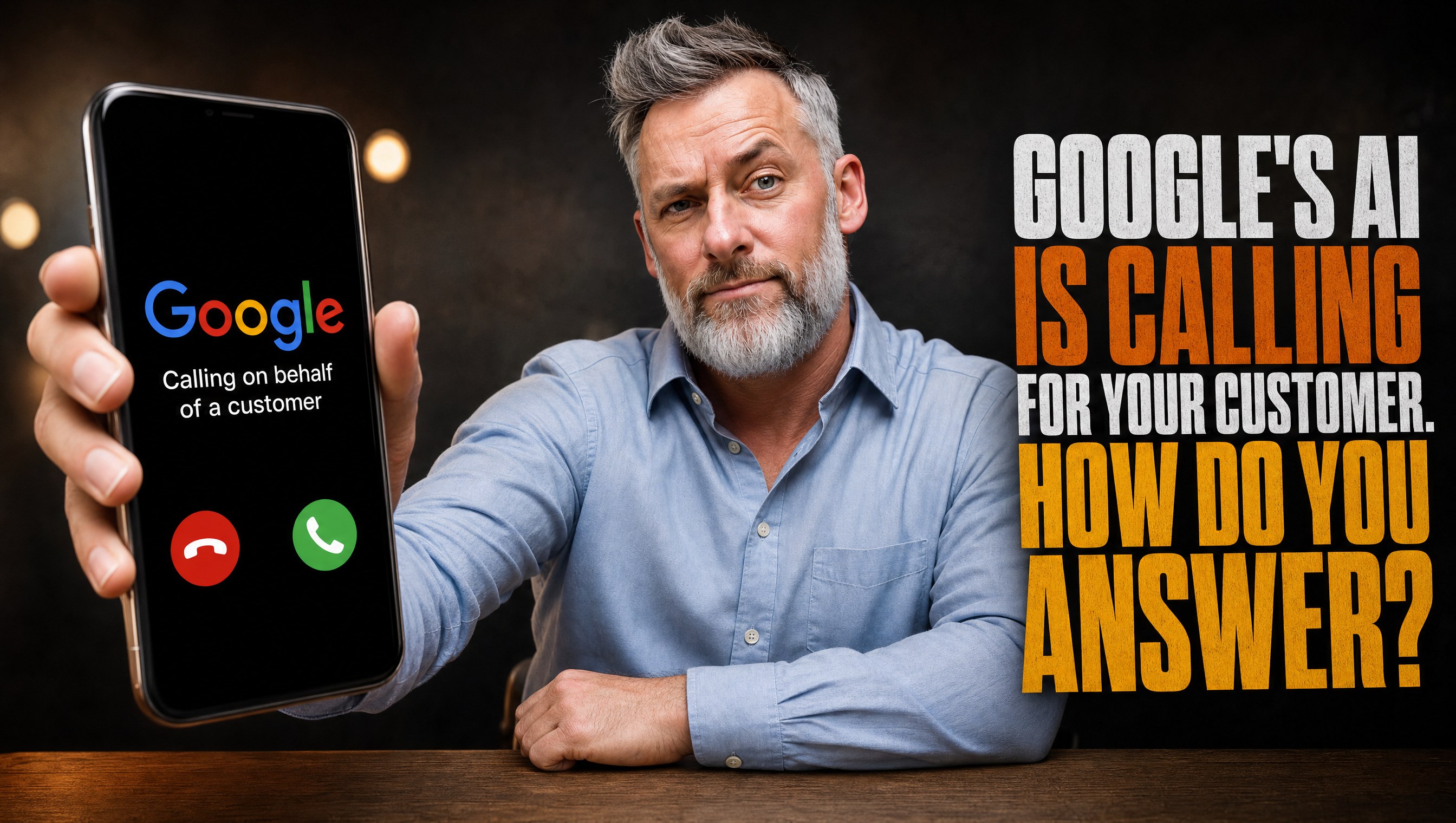
Last week somebody called your business and never said their name.
The voice was calm. It said it was an automated assistant calling from Google on behalf of a customer. It asked what you charge for a standard job and when your next opening is.
Whoever picked up said "uh, hold on," put the phone down, and nobody came back.
Thirty minutes later, a homeowner got a text from Google with three local businesses, three prices, and three available times.
Yours was not on the list.
That is Google AI calling, and it is live for local businesses across most of the United States right now. You did not sign up for it. You are in it anyway.
This Is Not an AI Problem. It Is a Phone Problem.
Here is what is actually happening.
Google started testing this in January 2025 as a Search Labs experiment called "Ask for Me," limited to nail salons and auto repair shops. In July 2025 it rolled out to all U.S. search users under a button that reads "Have AI check pricing." Google's own announcement said Search can now call businesses "to get pricing and availability information on your behalf."
Then it kept growing. In November 2025 Google added "Let Google Call" for local stores, so shoppers can have Google check stock and promos nearby. This year the service categories widened again to include home repair, beauty, and pet care.
The customer taps the button, answers a few questions about the job, and picks text or email. Google calls several businesses, asks the same questions, and sends back one summary. The calls are recorded and monitored.
So the robot is not the threat. The robot is a customer with perfect manners and zero patience.
It does not leave a voicemail. It does not call back tomorrow. It does not remember the logo on your truck. It logs what you said, or that you said nothing, and moves to the next number.
Every weakness your phone already had just became visible to a buyer in writing.
Call Your Own Business Like a Robot Would
Before you fix anything, find out what a caller actually gets.
Do this tomorrow, three times. Once at 10 AM. Once at 12:30 PM, when everyone is at lunch. Once at 6:15 PM, after the office closes.
Use a phone that is not saved in anyone's contacts. Ask two questions out loud, word for word:
"What do you charge for a [your most common job]?"
"What is your next available appointment?"
Write down four things for each call:
- How many rings before a human or a system picked up
- Whether you heard a menu, and how many options
- Whether you got an actual price or range
- Whether you got an actual date and time
If two of your three test calls ended without a price range and a date, you have found the leak. Watch the lunch call closely. Lunch is when the person who usually answers is not at the desk.
Real talk on the numbers. CallRail's September 2025 survey of 1,000 U.S. consumers found only 42% leave a voicemail when a business does not answer. A human caller already skips your voicemail more often than not. The AI caller skips it every time.
Write the Three-Answer Card
Google's AI asks the questions a customer would ask, and the business-side help page lists the reasons it calls: booking an appointment, confirming price and availability, checking hours, checking wait times, and checking stock.
That means almost every one of these calls lands on three answers. Price. Availability. How to book.
So write them down. One index card. Tape it to every phone, every desk, and the dash of every truck that takes calls.
Front of the card:
- Price: "Most [common job] runs between $___ and $___. We confirm the exact price after we see it."
- Next opening: "Our next opening is [day]. We usually book within ___ days."
- How to book: "The fastest way to lock it in is [text this number / book at this link / we call you back today]."
Back of the card: your top three jobs, each with its own range.
This is not a script for robots. It is a script for every caller. The AI just exposes who on your team has been winging it.
And ranges are fine. "Between $189 and $249 for a standard service call" is an answer. "It depends" is not. If your team has been trained to never say a number on the phone, read stop sending quotes, start sending decisions. Same-day ranges win jobs. Silence loses them.
Publish the Answers So the Robot Never Has to Call
Here is the part most owners miss.
Google only calls when it cannot find the answer. Its AI pulls from your Business Profile, your website, your reviews, and other public pages first. If those already say what you charge and when you are open, the customer gets your answer without a phone call at all.
So the best way to handle the AI call is to make it unnecessary.
Three places to fix this week:
- Your Google Business Profile services list. Add every service you actually sell, with a starting price where the field allows it. Empty service lists are an open invitation for a phone call you might not answer.
- Your top service pages. Put one sentence near the top of each page: "Most [job] runs $X to $Y." Answer first, details after.
- Your hours. Holiday hours, lunch closures, after-hours emergency rules. Wrong hours trigger calls and wreck trust at the same time.
I covered how to turn your Business Profile into a working landing page in your ranking is fine, your phone is not. And if your website is built in a way AI engines cannot even read, the fix starts in this one file is killing your AI search. A price that is hidden in a PDF or an image does not exist to a machine.
Kill the Phone Tree
"Press 1 for sales. Press 2 for service. Press 3 for billing. Press 4 to hear these options again."
Nobody likes that. Not your customers, and not the AI.
Google does not publish the exact script its caller uses, and some practitioners report Google also calls businesses just to map their phone menus. Do not bet your leads on a robot navigating a seven-option maze. And definitely do not bet them on a human doing it.
Cut your menu to two options, max. Better yet, zero during business hours.
Here is a simple setup that works for most small shops:
- Business hours: Rings a human first. If no answer in four rings, it rolls to a second human or an answering service.
- Lunch hour: Same as business hours. Assign a lunch phone owner by name.
- After hours: One short greeting with your hours, your emergency rule, and a promise of a callback by a specific time. Then text the caller automatically.
Who you gonna call? The business that picks up.
Check the Switch in Your Business Profile
There is a setting for this, and most owners have never seen it.
In your Google Business Profile, go to the menu, then Business Profile settings, then Advanced settings. Look for automated calls and texts from Google. That toggle controls whether Google can call you on behalf of customers to book appointments, confirm prices and availability, and keep your information up to date.
You can also stop the calls verbally by telling the caller to stop calling your business.
Here is my take. Leave it on.
Turning it off does not stop the customer from shopping. It just removes you from the summary they read. You are not blocking a robocall. You are blocking a buyer who already asked for a quote.
The only time to switch it off: your phones are genuinely unstaffed for weeks, like a seasonal closure. Even then, fix the answering first if you can.
Two cautions while you are in there. Make sure your profile is verified, because settings like this require it. And know that some states are excluded from the feature right now, so if you serve Indiana, Louisiana, Minnesota, Montana, or Nebraska, ask your marketing person to recheck every quarter.
Cover the Hours You Are Not There
Customers do not shop on your schedule. They shop at 9:40 PM after the kids go to bed. That is exactly when somebody opens Google and taps "check pricing."
You have three honest options for after hours:
- A live answering service. A person reads your three-answer card and books or promises a callback.
- An AI receptionist. It answers every call on the first ring, gives your published ranges, and texts you the lead.
- A callback promise with teeth. A greeting that says "We will call you back by 8:15 AM," plus an automatic text, plus a person whose first job every morning is clearing that list.
Pick one. Run it for 30 days. Then compare booked jobs from after-hours calls to the 30 days before.
The worst option is the one most businesses run right now: a full voicemail box nobody checks until Thursday. Invoca's July 2026 home services benchmark found a person answered only 52% of all inbound calls. Half the phone traffic in the industry is already falling on the floor before AI shows up.
Speed still wins once you do get the lead. I broke down the five-minute response rule in stop chasing business lead ghosts. It applies to a callback list the same way it applies to a web form.
Log Every Call That Says "On Behalf of a Customer"
You cannot fix what you never see.
Starting Monday, every person who answers the phone writes down one line when a caller says it is calling for Google or on behalf of a customer. Date, time, what they asked, what we answered.
That is it. A shared note or a column in your CRM works.
After four weeks, read the list. Three things will jump out:
- Which job gets asked about most. That price goes at the top of your website and Business Profile next.
- Which hours the calls hit. That tells you where your coverage is thin.
- Which answers felt shaky. Those go back on the card in plainer words.
Tag these leads with their own source in your CRM, something like "Google AI call." When one books, you will know where it came from. When none book, you will know your answers are not landing.
Frequently Asked Questions
Why is Google calling my business?
Google's AI calls local businesses on behalf of customers who searched for a service and tapped an option like "Have AI check pricing." It asks about prices, availability, hours, or booking, then sends the customer a written summary by text or email. If you answer clearly, your business is in that summary.
Is the Google AI call real or a scam?
The real calls identify themselves as an automated call from Google on behalf of a customer and ask normal customer questions. Google does not charge businesses to receive them. A call asking you to pay to keep your Google listing active is not this feature, so hang up on that one.
Should I turn off Google automated calls for my business?
Usually no. Turning it off removes your business from the price and availability summary the customer reads, while your competitors stay in it. Kingdom Media Company recommends fixing how your phone gets answered and publishing price ranges online instead of opting out.
What should I say when Google's AI asks for my price?
Give a real range for the job they asked about, your next available opening, and the fastest way to book. "Most service calls run $189 to $249 and we can be there Thursday" is an answer the AI can pass along. "It depends" gets you left out.
How do I stop Google from needing to call my business?
Publish the answers where Google already looks. Add services and starting prices to your Google Business Profile, put price ranges at the top of your main service pages, and keep your hours accurate. The AI only calls when it cannot find the answer online.
That is the Sticky Note. Call your own business tomorrow at 12:30.
Back to work.
Fix who answers. Not the switch.
Voice AI answers every call on the first ring, gives your published ranges, and texts you the lead. After-hours coverage that runs whether or not anybody is at the desk.
Explore Voice AIJoin 2,500+ operators reading every week.